
One image, every angle
Combine front, back, and optional detail shots into a single polished JPEG.
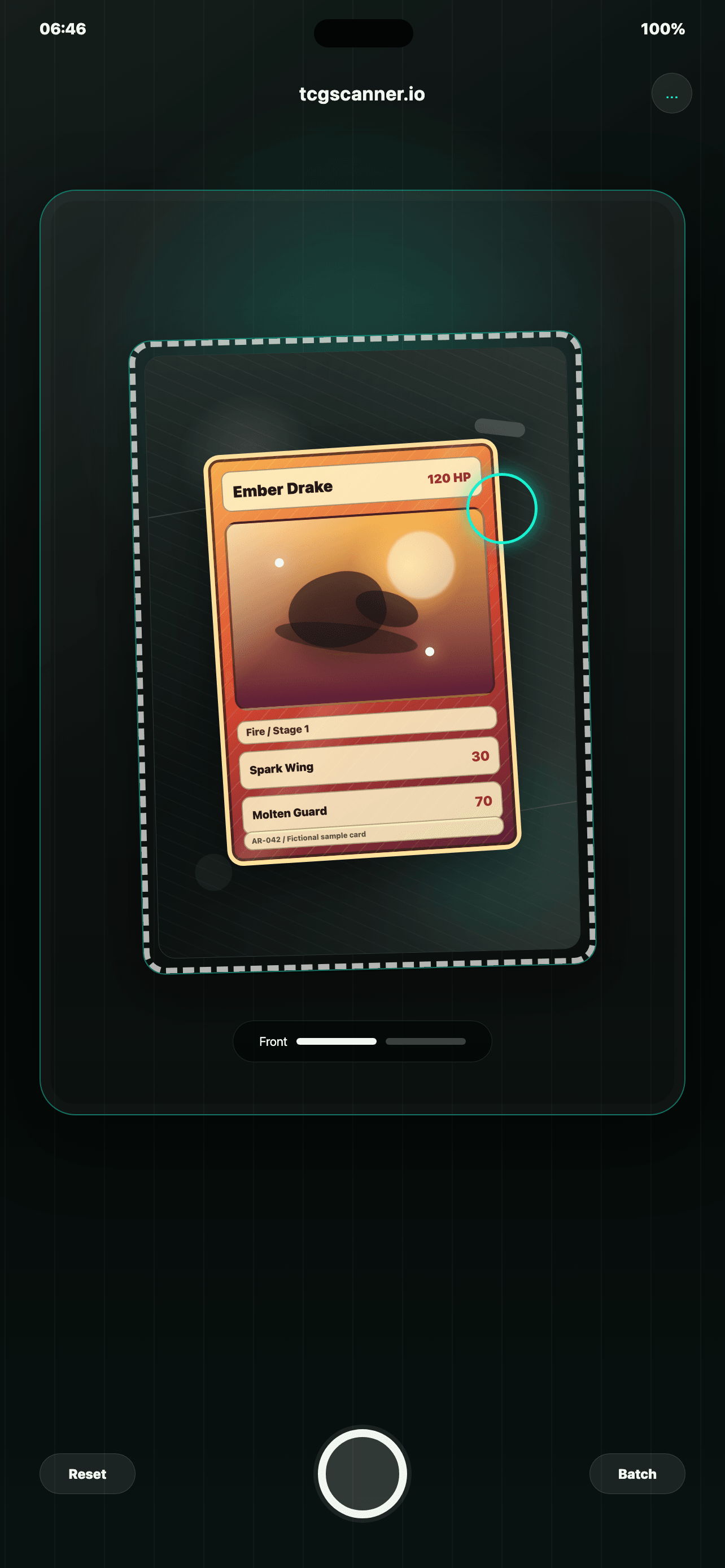
Card collages for selling
Create clean front, back, and detail collages for marketplaces that allow only one image per card.
Designed for listing cards
When a marketplace only gives you one image slot, TCG Card Scanner turns the important views into a single clear collage.
Combine front, back, and optional detail shots into a single polished JPEG.
Ideal for card marketplaces where one upload needs to show condition clearly.
Scan multiple cards in a row and keep finished exports organized in History.
Capture, review, export
Example exports
Fictional TCG cards show how a final export can look when you prepare listings for Cardmarket, eBay, or your own sales workflow.
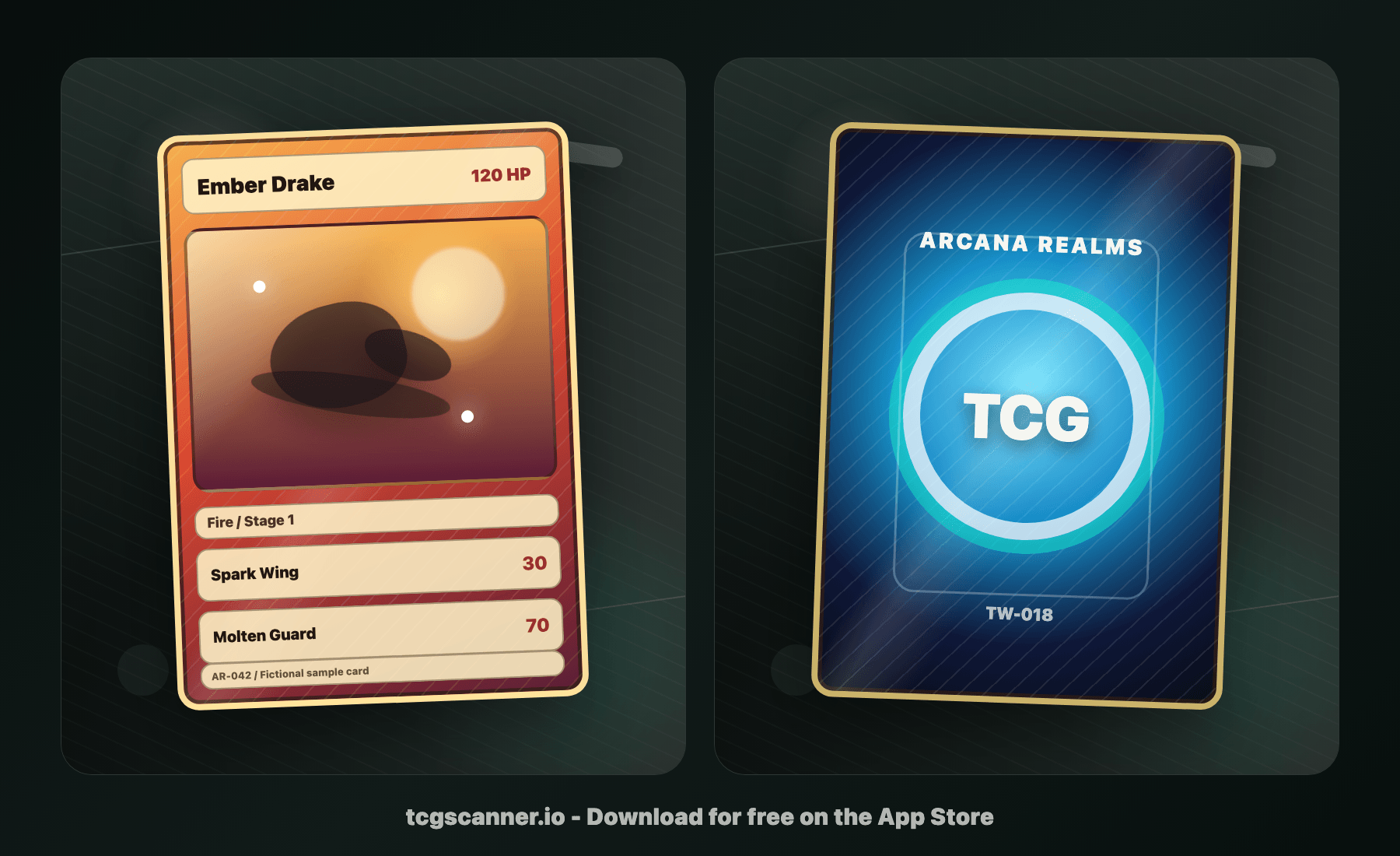
A clean two-side export for marketplaces where one image has to carry the full condition story.
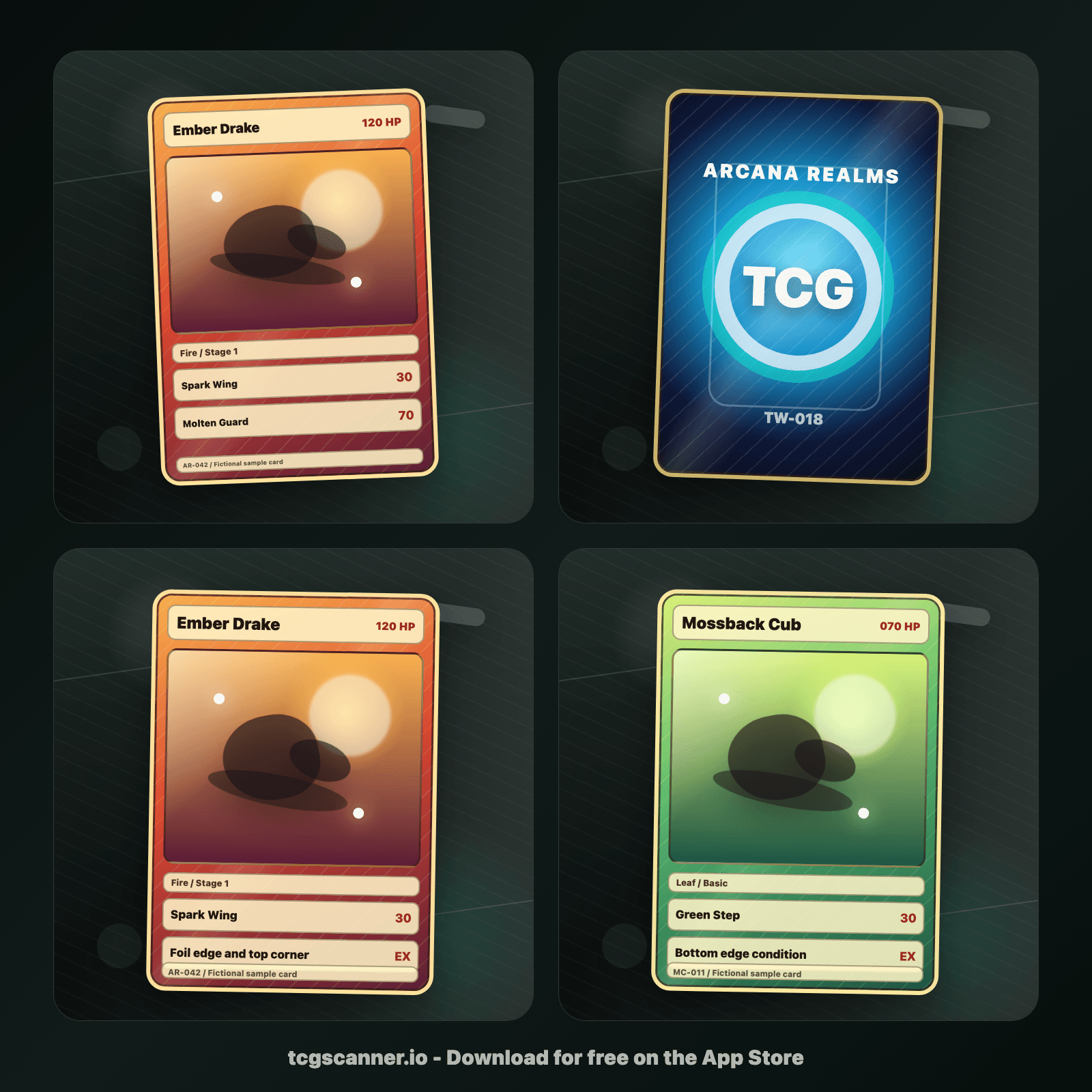
Add close views when corners, surface, or border condition should be visible before upload.
Data protection
TCG Card Scanner processes exports locally. There is no account, no analytics SDK, no advertising network, and no tracking. Photo Library access is add-only when you choose to save a finished collage.
Read the privacy policy
Download TCG Card Scanner and create polished collages in seconds.
 Download on theApp Store
